
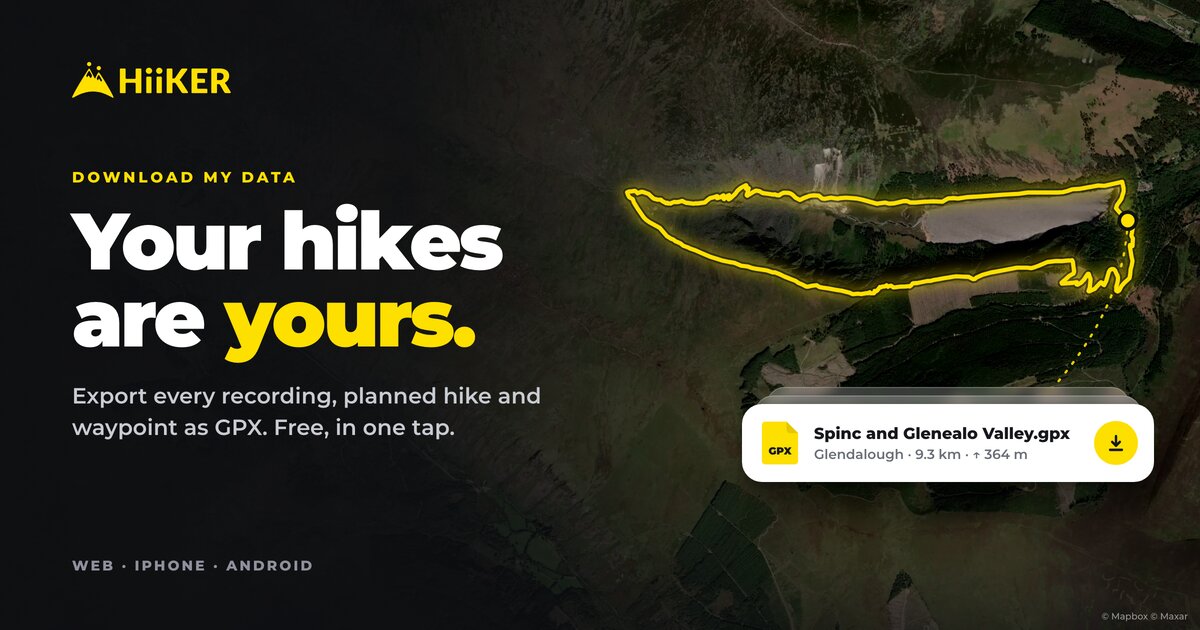
The Wicklow Way you walked in four days of rain. The Munro you went back for three times before the cloud lifted. The loop you do every Sunday without thinking. Each one is a track in your HiiKER account, and each one belongs to you, not to us.
So from today you can export your hiking data from HiiKER in one tap: every recording, every planned hike and every waypoint you’ve saved, as GPX files that almost any mapping or fitness app can open. It’s free for everyone, it works the same on the web, iPhone and Android, and it’s usually ready in a few minutes.
Why we built it
Data protection law gives you the right to a copy of your personal data, and the right to take it to another service in a format that service can read. Plenty of apps honour that right on paper. In practice it can mean hunting for a form, emailing a privacy team, and waiting up to a month to see what turns up.
We don’t think your own hikes should come with a waiting list. If it’s your data, getting it should be a button, not a process. So we built the button:
- No support ticket. You don’t write to anyone or explain yourself.
- No paywall. A free account gets exactly the same button as PRO.
- No waiting list. Most copies are ready in minutes, not weeks.
- No guilt trip. Nobody asks why you want it, and nobody asks “are you sure you want to leave?”
If it’s your data, getting it should be a button, not a process.
And you don’t have to be leaving to use it. Keep a backup somewhere you control. Open a summer’s walking in Google Earth. Hand a hike to a friend who uses a different app. Your hikes, wherever you want them.
How to export your hiking data
On iPhone or Android: tap the settings cog at the top of the home screen, then App Settings, then Your data. Tap Download my data.
On the web: sign in at hiiker.app, open Settings, scroll to Your data and click Download my data.


That’s all. We build your copy in the background, so you can close the app and get on with your day. When it’s ready, usually within a few minutes, we email you a link. The Your data screen shows it too, with its size and the date the link works until.
Added more hikes since? Tap Get an updated copy. We delete the old one straight away and build a fresh one with everything you’ve saved.

What’s in your download
One ZIP file, named with the date you asked for it. Inside:

- Your planned hikes, one GPX file each. A multi-day hike keeps its days, each as its own track with elevation, and the waypoints you added to it come along too.
- Your recordings, with the time and height of every point. If you paused along the way, each stretch is its own segment, so the café stop doesn’t turn into a straight line across the map.
- Heart-rate and step data, if your phone or watch recorded them.
- All your waypoints in one file, with their names, descriptions and locations.
- hiiker-data.json: the same hikes, recordings and waypoints as structured data, with names, descriptions, distances, dates and privacy settings.
- A README that explains every file.
Files any app can open
We chose GPX on purpose. It’s the format the outdoors world already agrees on, so your tracks open in most hiking apps, Garmin BaseCamp, Google Earth and QGIS. Nothing proprietary, nothing locked, nothing only HiiKER can read.
The README is written for whoever opens the archive next, whether that’s you, another app or a developer building an importer. It explains every file, how the data links a recording to the hike it followed, and the units everything is in. A copy of your data is only worth having if something can read it.
Kept private on the way to you
Your recordings show where you’ve been, and sometimes your heart rate too. That’s exactly the kind of data that shouldn’t go astray, so we treat it that way:
- The email carries a link, not the file, so your history never sits in an inbox or on a mail server.
- Only you can download it. The link asks you to sign in to HiiKER first.
- The link works for 7 days, and then we delete the file. Get an updated copy and the old one is deleted straight away.
What isn’t in it, and how to get that too
The download covers what you’d want to take with you: your hikes, recordings and waypoints. A few things aren’t in the ZIP, including your profile, photos, hike lists, completed hikes, reviews, comments and bagged peaks, plus the records we keep to run the service, like sign-in history and subscription details.
You have a right to a copy of those too. Email customer-support@hiiker.co and we’ll send them. Your payment details are the one thing we can’t send, because we never hold them: your app store or card provider does.
Questions
Does downloading my data change anything in my account?
No. Nothing is deleted, moved or made public. You get a copy, and everything stays exactly where it was.
Can I do it more than once?
Yes. The link works for 7 days, and you can get an updated copy whenever you’ve added new hikes.
How long does it take?
Usually a few minutes. Years of recordings can take a little longer, but there’s no need to wait on the screen: we email you when it’s ready.
Will other apps open my hikes?
Anything that reads GPX will, which covers most hiking and fitness apps, Garmin BaseCamp, Google Earth and QGIS. The extras GPX has no room for are in hiiker-data.json.
I’m thinking of deleting my account. Should I download first?
Yes. Deleting your account removes your hikes for good, so take your copy first. On the web, Your data sits right above Delete account for exactly that reason.
And if you’re coming the other way
Portability should work in both directions. If you’re bringing years of walks over from another app, HiiKER can import GPX, KML, FIT and other route files, and you can still export any single hike in the format you need.
We’d much rather you stay with HiiKER because it’s the best place for your hikes than because leaving is hard. Your hikes are yours. Now they’re one tap away.