Category: Support
-
Show POIs on the Map on Hiiker Android and iOS apps
A brief 3 step guide on how to add POIs to the map on Hiiker.
-
Suggest a location on Hiiker
A super quick guide on how to suggest locaitons on Hiiker.

-
Show your location on HiiKER
On HiiKER you can show your location online or offline (in airplane mode). To do this all you have to do is tap the location button. Tap the button twice to show both your location
-
Add comment on Hiiker App
Here you will find instruction on how to add a comment on Hiiker. You can comment on Stages, Accommodations and Amenities. 1. Find the trail you want to comment on. 2. Add or search for

-
Offline Maps on Hiiker
A brief guide on how to download offline maps on Hiiker.

-
Add a custom Marker
A quick step by step demo of how to add, move, and remove custom markers on Hiiker.

-
Hiiker Pro Feature: GPX Download
Hiiker pro subscriptions can now download a GPX file for the trail. A GPX file is a file containing GPS information about the trail. It can be used on GPS devices such as a stand-alone

-
Measuring the difficulty of a hiking trail on Hiiker
An article on how we measure difficulty on Hiiker.

-
Set your walking time estimate values
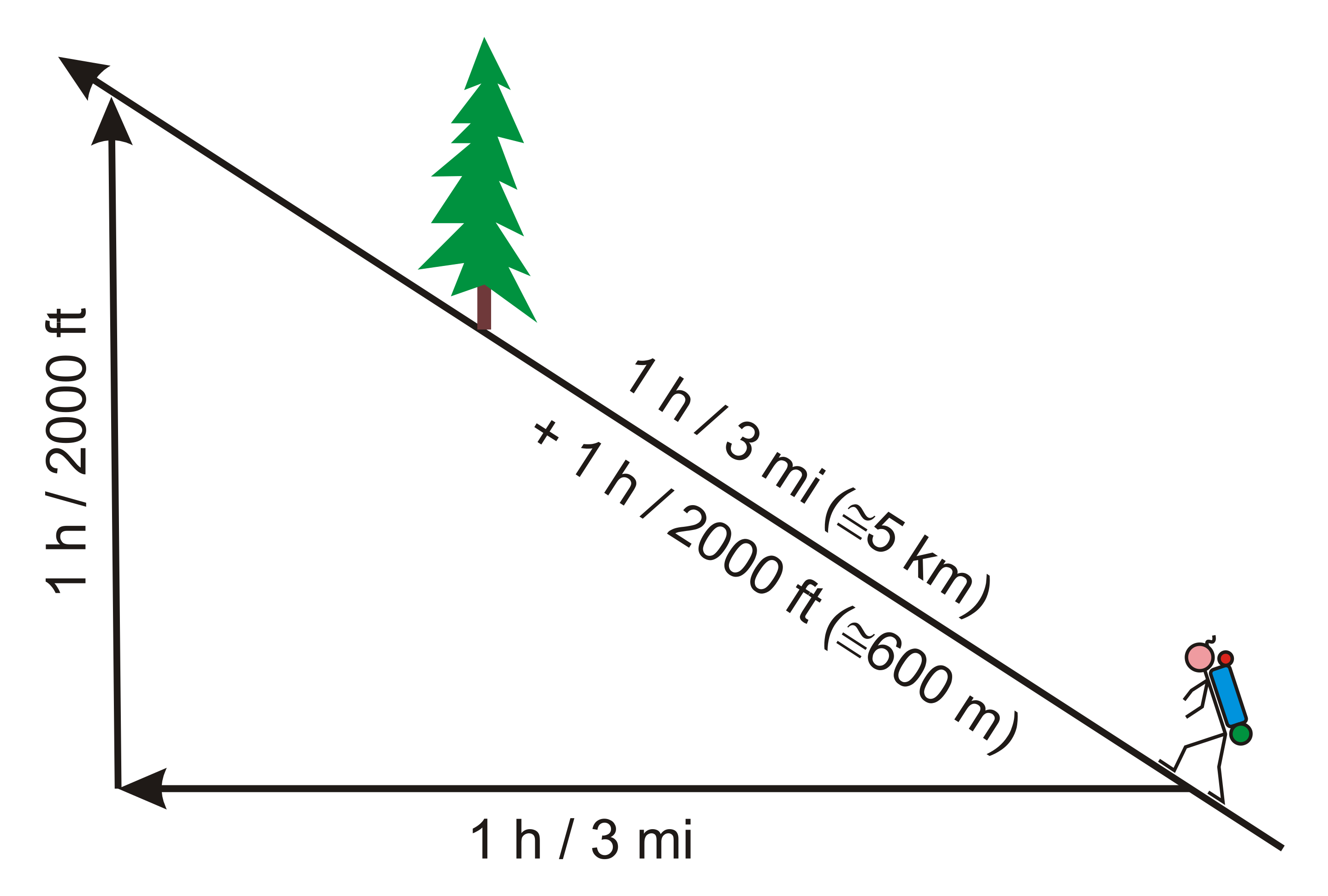
Graphic credit: Darekk2 NB: The calculation of time to walk a distance can be rendered inaccurate by sections that require scrambling. The prediction may show a much faster hike time prediction for such a section
-
Measure Distances between locations on Hiiker
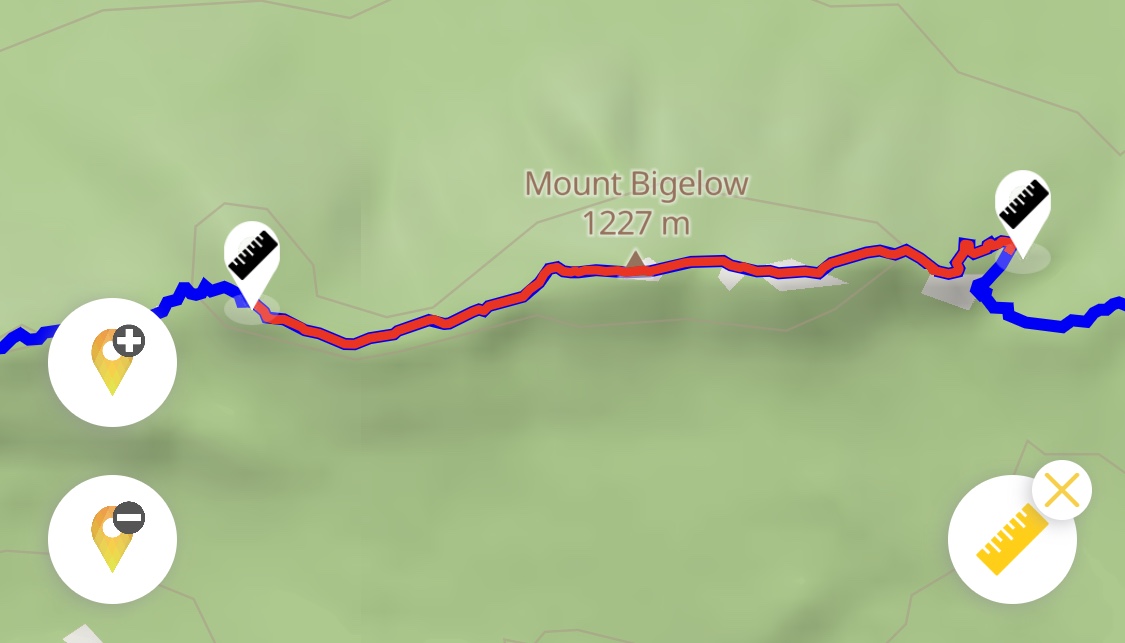
This is a brief guide to measuring distances on the Hiiker apps. To measure distance on the web, go here. 2. Tap on the trail line any where you like to place the first measurement